Zero-Risk Bias: Why "no credit card required" still beats "save 30%" on your CTA
Visitors prefer eliminating one risk completely over reducing many risks partially. Here is how to use that on your landing page to drive more clicks.
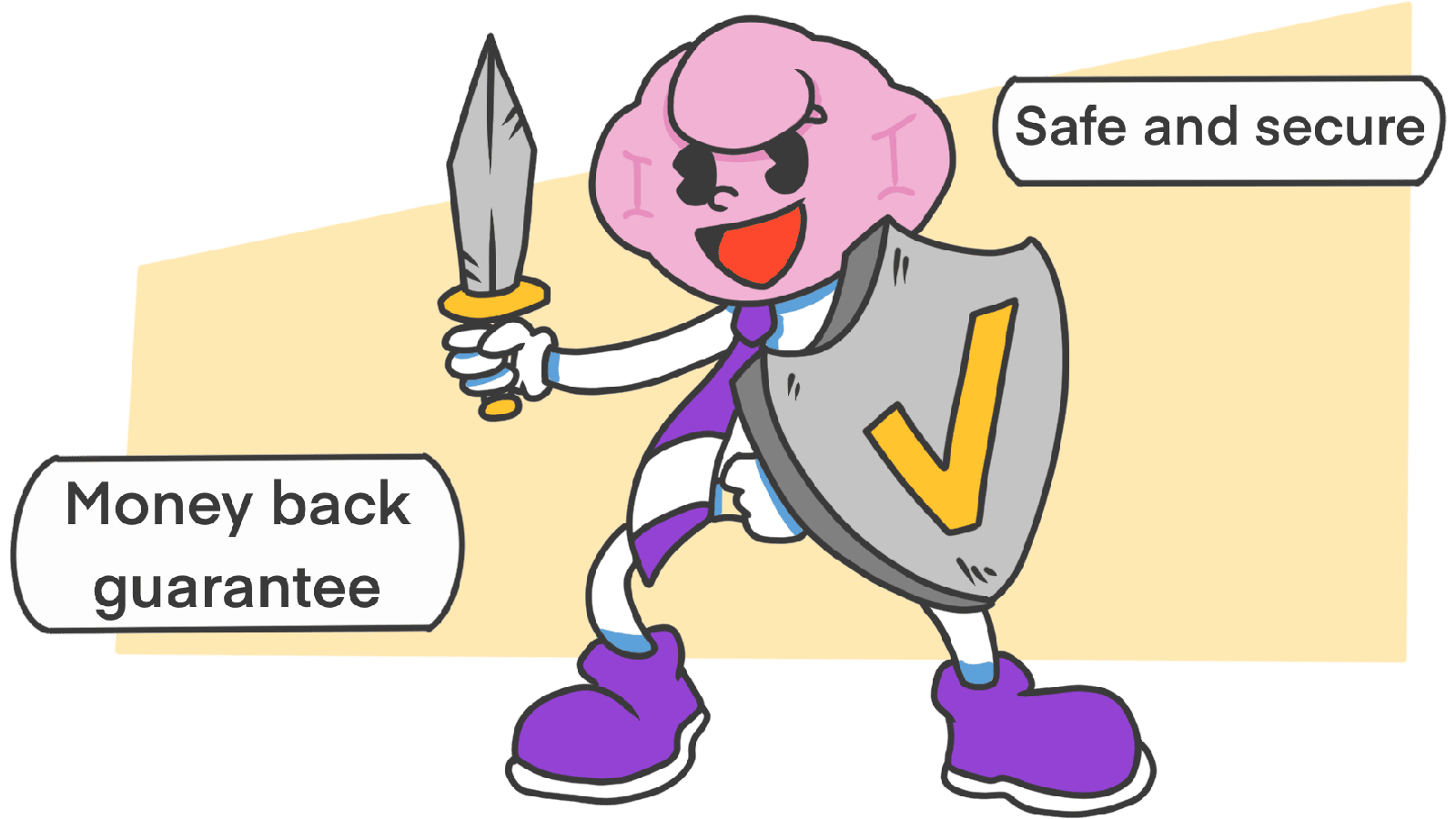
Zero-Risk Bias: Why "no credit card required" still beats "save 30%" on your CTA
A visitor lands on your pricing page. Two pitches catch their eye:
- "Save 30% on your annual plan."
- "Try free for 14 days. No credit card."
Logically, the discount is worth more in dollars. Emotionally, "no credit card" wins almost every time. Why? Because the brain prefers eliminating one risk completely over reducing several risks a little.
That's zero-risk bias. It's why "100% money-back" works. It's why "free returns" outperforms "low return fee." And it's why one well-placed line under your CTA — "no credit card required" — can move more clicks than a redesigned hero.
What zero-risk bias is
People over-value certainty. Reducing a risk from 5% to 2% feels less satisfying than reducing it from 1% to 0%, even though the first move actually saves more pain. The promise of "zero" is a mental shortcut that says: stop calculating, you're safe.
"The difference between a small risk and no risk seems much larger than the difference between a small risk and a slightly larger risk." — Cass Sunstein
When visitors hit your landing page, they're running a quiet risk audit. "Is this a scam? Will I get spammed? Will it work? Can I get my money back?" Every one of those is a small risk. If you eliminate one of them completely, the whole pitch feels safer.
Why this matters for your conversion rate
1. It cancels loss aversion
Visitors feel loss roughly twice as much as gain. A "100% refund" or "no credit card" line directly removes the loss they were imagining.
2. It cuts cognitive load
"Zero" is fast to process. "30% off conditional on annual billing" is not. Faster processing = lower friction = more clicks.
3. It signals confidence
"Free returns" and "cancel anytime" tell visitors you're willing to take on the risk yourself. That confidence is contagious.
Analyze your conversion triggers
Find out which fears are killing your CTA — and which ones a single line of copy could remove.
Scan Your Site FreeHow to use zero-risk on your landing page
The job: name the specific fear visitors have, then kill it with a "zero" promise.
1. Lead with the guarantee
Most landing pages bury their guarantee in a footnote. Move it next to the CTA, where the click happens.
- Avoid: "Returns accepted under specific conditions within 14 days."
- Better: "30-day money-back guarantee. No questions asked."
2. Kill the small annoyances first
Friction isn't always money. It's often hassle.
- "No credit card required" — kills the fear of accidental billing.
- "No setup needed" — kills the fear of a long onboarding.
- "Free returns" — kills the fear of getting stuck with the wrong thing.
- "What you see is what you pay" — kills the fear of surprise fees.
Each line removes a specific worry. Don't try to eliminate everything; eliminate the one most likely to stop the click.
3. Be specific about which risk is zero
"Zero risk" by itself sounds fake. Pin it to one concrete worry.
- Avoid: "Zero risk."
- Better: "Zero commission fees." "100% data stays on your servers." "0% spam — we send one email a month."
4. Use absolute words deliberately
Vague hedges trigger the brain's "watch out" radar. Strong, definite words do the opposite.
- Avoid: "We use high-level encryption."
- Better: "Your data is fully encrypted."
Words like "completely," "always," "never," and "guaranteed" do real work — as long as they're true.
5. Compare your "zero" to their "almost zero"
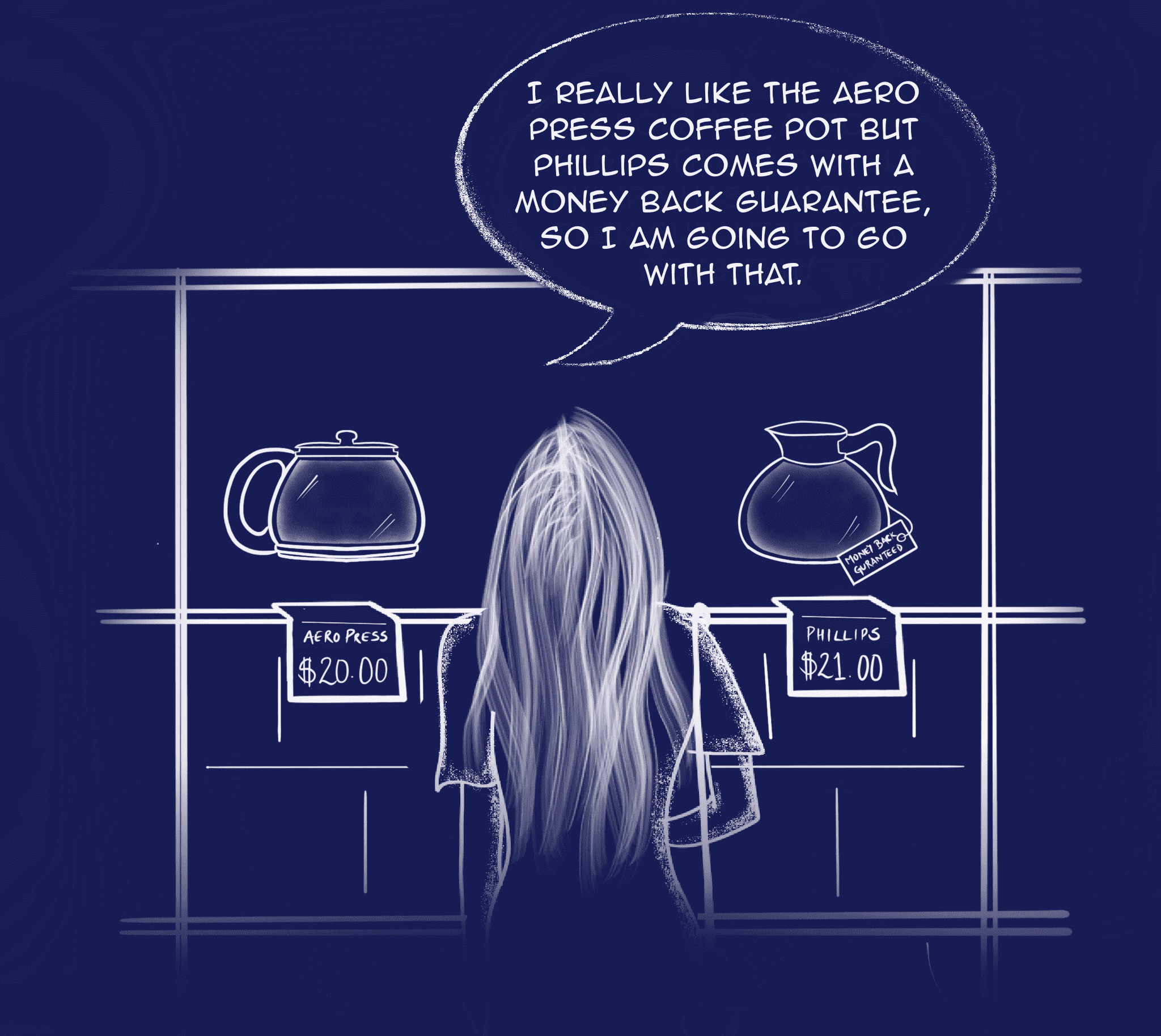
If your competitor charges a small return fee, you don't need to match — you need to highlight the difference. "One-click cancel" vs. "cancel by phone" reads as zero vs. some, even if the actual time saved is small.
Common ways builders break this
1. Promising what you can't deliver
- The mistake: "Zero risk investing." "Guaranteed signups." Anything that has obvious risk underneath.
- The fix: Be specific. Don't promise the world; promise one thing fully.
2. The expensive guarantee
- The mistake: Offering "free returns" or "100% refund" without the operations to support it.
- The fix: Only promise what your support and refund flow can actually handle. A broken guarantee costs more than no guarantee.
3. Making the "zero" hard to claim
- The mistake: "Money back guarantee" buried under five forms and a notarized letter.
- The fix: If you promise zero risk, honor it without friction. The moment one visitor posts the runaround on Twitter, your whole page reads as a scam.
How real products handle it
Amazon
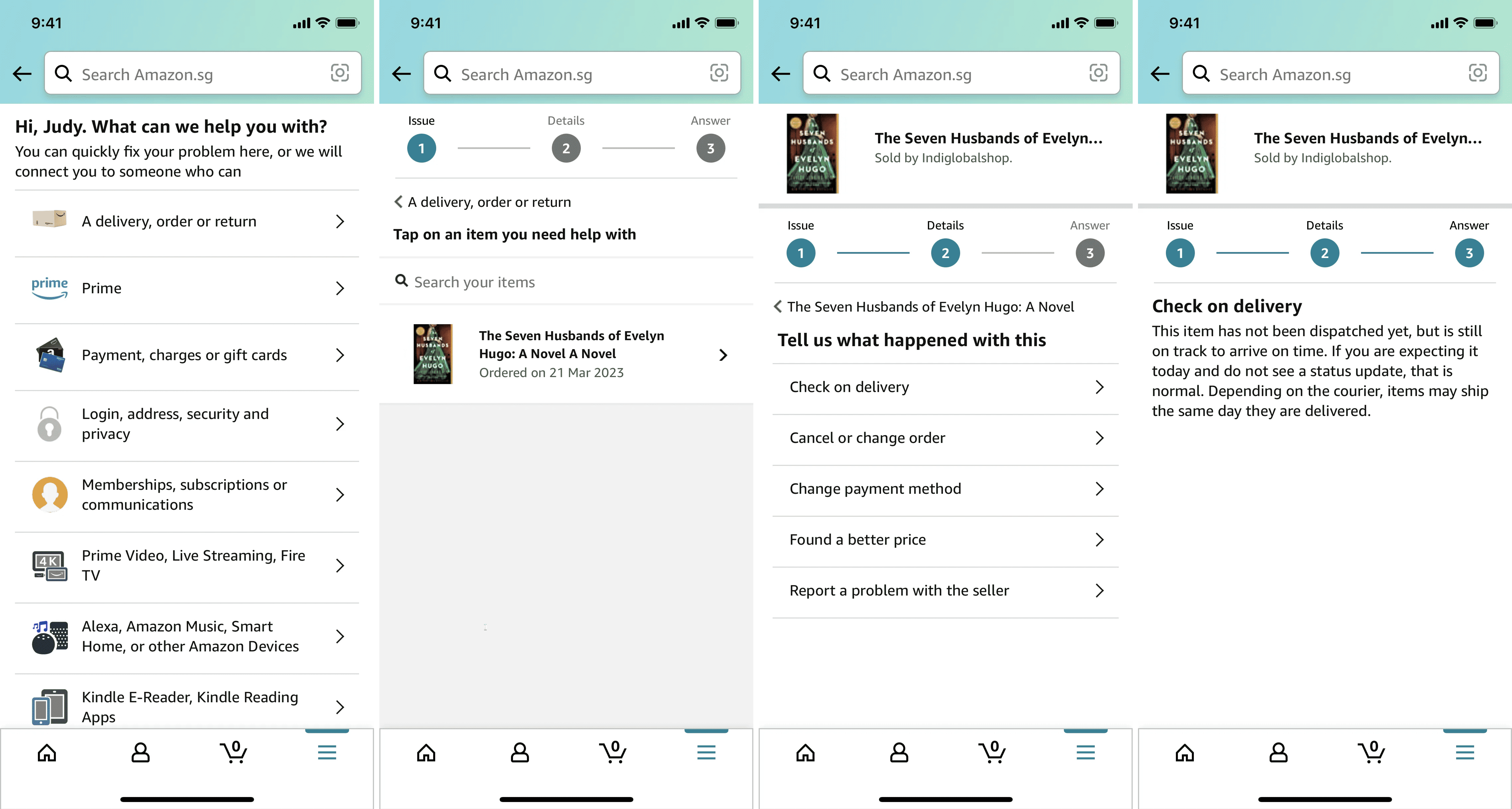
Amazon puts "Free Returns" right next to the price. The visitor's worry — "what if it doesn't fit / isn't what I expected?" — gets killed before they hit "Add to Cart." Same product, more clicks.
Airbnb
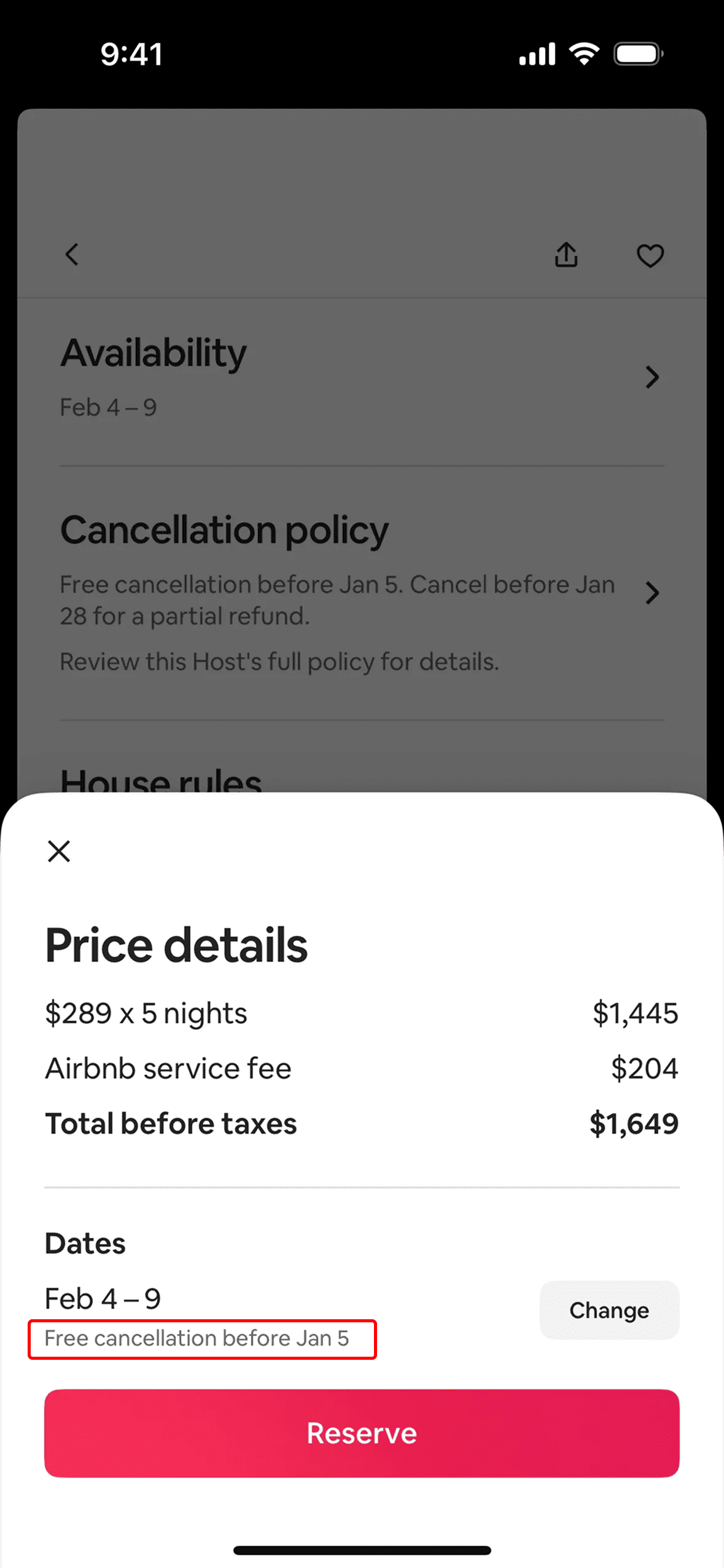
Airbnb highlights "Free cancellation" in a high-contrast color on listings that offer it. Booking feels low-stakes — the trip isn't really committed yet — so people book sooner instead of waiting. Zero-risk turning a "later" into a "now."
See how your site compares
Our AI checks where your page could remove a fear with a single line — and where it is missing the chance.
Get Your Free UX ScoreRelated principles
Zero-risk pairs naturally with these:
Loss Aversion
Why removing the fear of loss often beats adding more upside on your page.
The Framing Effect
Why "90% success" and "10% failure" hit visitors completely differently — even though they are the same number.
Social Proof
Why showing other people already took the leap reduces the fear of going first.
Resources & further reading
Zero-Risk Bias
The Decision Lab article explaining the bias and why we prefer certainty.
Preference for Completely Eliminating Small Risks
Article about the bias with practical applications and deeper psychological roots.
Frequently asked questions
Don't Guess Your UX. Scan It.
Upload your screens or paste your URL to get expert-level UX analysis in under 3 minutes.
Start Free ScanRelated Articles
Decoy Effect: Why your pricing page needs a third option nobody picks
Two plans freeze visitors. Three plans, with one that looks slightly worse than your target, makes the choice obvious. Here is how to use the decoy effect ethically.
Default Effect: Why the option you pre-select on your landing page wins most of the time
Most visitors stick with whatever is already checked. That makes your default the most powerful design choice on the page. Here is how to set it without crossing into dark patterns.
Loss Aversion: Why your landing page needs to name what visitors lose by leaving
Most landing pages only sell the upside. Visitors hesitate. Loss Aversion is the missing half of the engine — here is how to use it without crossing into dark patterns.