Efeito Zeigarnik: Por que signups inacabados trazem visitantes de volta para sua página
Visitantes que começam um fluxo mas não terminam ficam assombrados por ele. Veja como usar tarefas inacabadas na sua landing page para impulsionar mais conversões.
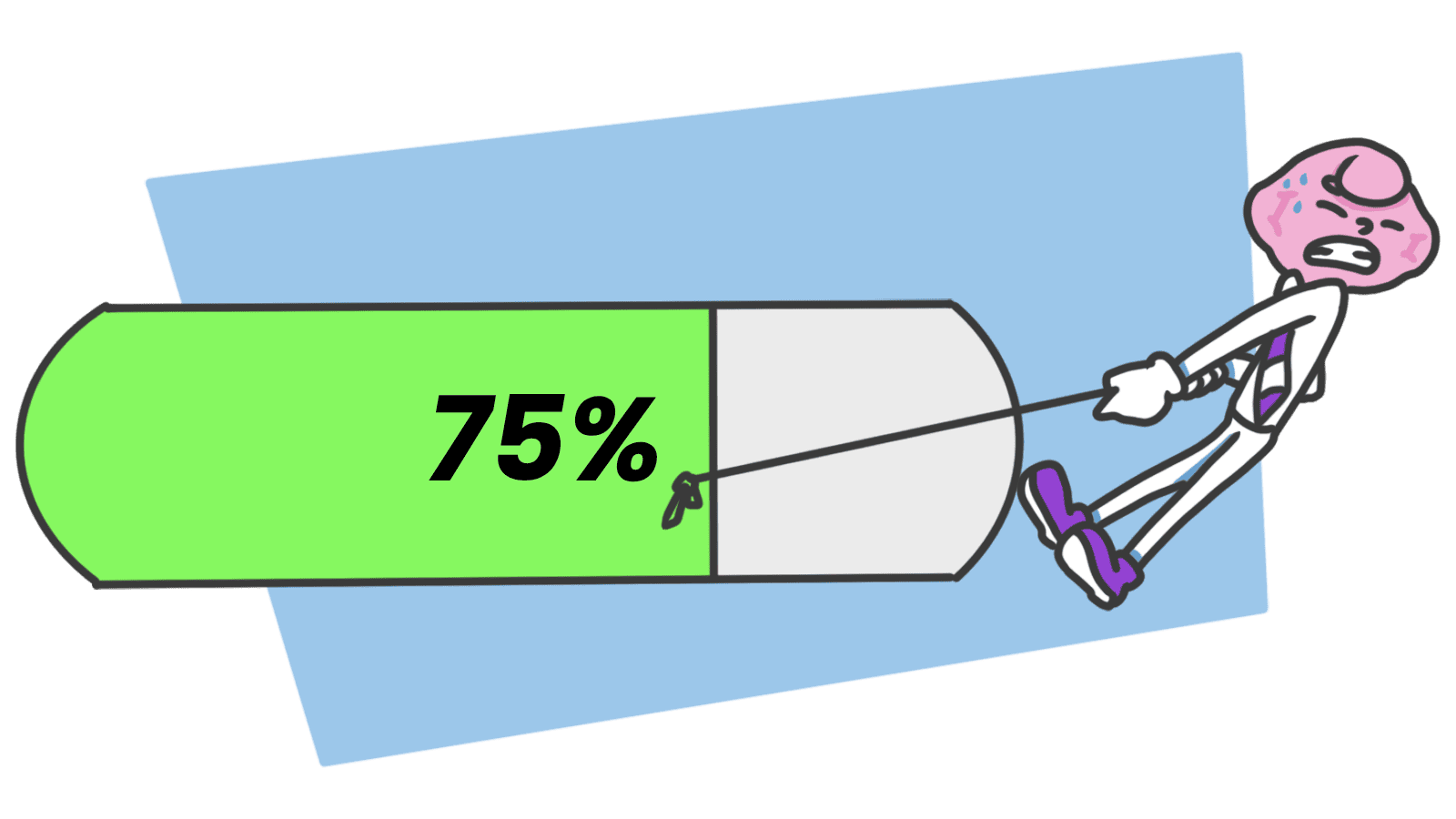
Efeito Zeigarnik: Por que signups inacabados trazem visitantes de volta para sua página
Um visitante chega na sua página de signup, preenche seu nome e email, hesita no campo de senha e fecha a aba. A maioria dos construtores trata aquilo como um usuário perdido. Eles não estão, ainda.
Esse visitante agora está carregando um loop aberto na cabeça deles. Eles começaram algo e não terminaram. O cérebro deles vai continuar cutucar. Se sua página faz as coisas pequenas certas, eles vão voltar para fechar o loop.
Esse é o efeito Zeigarnik, a necessidade teimosa do cérebro de terminar o que começou. É uma das ferramentas de retenção mais poderosas que você consegue construir numa landing page ou signup flow, e a maioria dos construtores desperdição.
O que é o efeito Zeigarnik
Pessoas lembram de tarefas inacabadas muito mais claramente que acabadas. Uma vez uma tarefa é feita, o cérebro a despeja. Uma vez uma tarefa está aberta, o cérebro mantém uma aba nela, literalmente.
Uma psicóloga chamada Bluma Zeigarnik notou isso observando garçons: eles lembravam de cada detalhe de orders em progresso e completamente esqueciam os detalhes uma vez que a conta era paga. O "loop aberto" fechou, os dados foram deletados.
"Tarefas inacabadas criam um nível de tensão que mantém essa tarefa na frente de nossas mentes até que seja completada." , Jim Kwik
Traduzido para landing pages: cada passo do seu signup, onboarding ou checkout é um loop aberto. Visitantes que ficam no meio carregam esse loop com eles. O loop é sua segunda melhor chance de converter eles.
Por que isso importa para sua taxa de conversão
1. Visitantes voltam sozinhos
Se um visitante sabe que estão 70% através do seu onboarding, o pull para terminar é mais forte que qualquer push notification. A barra de progresso inacabada está fazendo o trabalho.
2. Fluxos longos parecem sobreviváveis
Forms multi-step parecem menos assustadores quando cada step completado dá um hit de dopamina pequeno. O cérebro trata cada estágio como um mini-finish, mas o loop maior fica aberto e os puxa para frente.
3. Recuperação de cart abandon é construída nisso
"Você deixou algo no seu carrinho" funciona porque o carrinho é um loop aberto. O cérebro do visitante já estava os lembrando, o email só fecha a lacuna.
4. Onde backfires
Abra loops demais e visitantes queimam. Quarenta checklists inacabados é ansiedade, não motivação. Os loops têm que parecer fecháveis.
Seus gatilhos de conversão estão funcionando?
Veja onde sua página abre loops com visitantes, e onde só os deixa sair.
Analise seu site gratuitamenteComo usar o efeito Zeigarnik na sua página
O padrão: abra um loop, mostre progresso, dê um jeito claro de fechá-lo.
1. Mostre progresso, sempre
A barra de progresso é a aplicação mais poderosa. O momento um visitante vê "Passo 2 de 4," o loop abre, e o pull para alcançar 4/4 começa funcionando.
- Faça isso: Mostre "Passo X de Y" em fluxos multi-step. Mostre "% completo" em setup de perfil.
- Evite: Escondendo o número total de steps. Sem um fim à vista, "trabalho infinito" parece pior que "estou 80% lá".
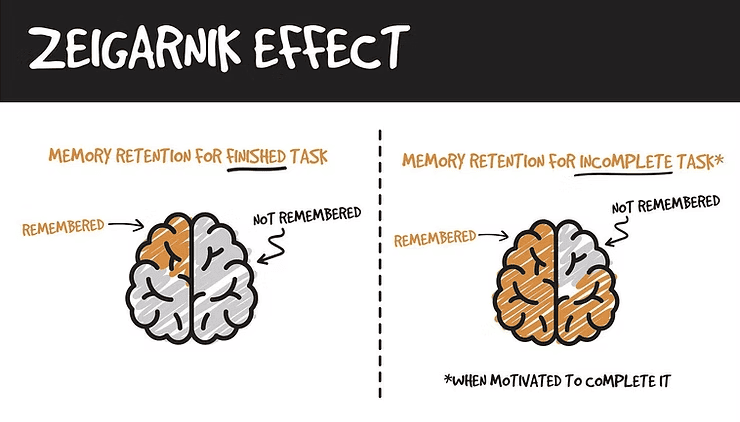
2. Divida fluxos longos em estágios
Grandes tarefas assustam visitantes. Divida em estágios, cada um um mini-completion que solta seu próprio pequeno hit de dopamina enquanto o loop grande fica aberto.
- Tip: Use um padrão "salve e continue". Diz ao cérebro que o state está vivo mesmo se a aba fechar.
3. Faça resumir morto simples
O padrão inteiro morre se visitantes voltam e têm que começar do zero. Salve state. Emaille um link para resumir exatamente onde estavam.
- Exemplo: "Continue Assistindo" do Netflix é o loop visual feito óbvio, aquela barra vermelha fina sob a thumbnail é a tarefa aberta.
4. Termine seções com um gancho
Para conteúdo (blogs, vídeo, lições), feche um loop com um teaser do próximo. O cérebro marca a próxima coisa como "começada" no segundo que você o referencia.
- Padrão: "Próximo, cobriremos X" no fim de cada seção.
- Efeito: Um novo loop abre antes do antigo completamente fechar.
5. Use lembretes com moderação
Cart abandon emails, notificações "você deixou algo," nudges "complete seu perfil", esses reativam loops que desaparecem. Use uma ou duas vezes. Depois disso, a tensão flipa em irritação e visitantes fecham o loop deletando seus emails.
Jeitos comuns que construtores quebram isso
1. Overload de loop
- O erro: Vinte checklists inacabados, seis wizards de setup, uma dúzia prompts "você também deveria".
- A solução: Um loop principal de cada vez. Pegue o próximo passo que importa. O resto consegue esperar.
2. Sem razão para se importar
- O erro: Uma barra de progresso em um fluxo que o visitante não quer realmente terminar.
- A solução: Prenda conclusão a uma recompensa real. "Complete seu perfil para 5x mais matches." Sem vontade intrínseca, o loop é só ruído.
3. A armadilha infinita
- O erro: Streaks, badges e challenges sem fim real. Tensão que nunca resolve vira stress.
- A solução: Deixe pessoas terminar. Closure real é o que torna o próximo loop confiável.
Como produtos reais lidam com isso
Todoist
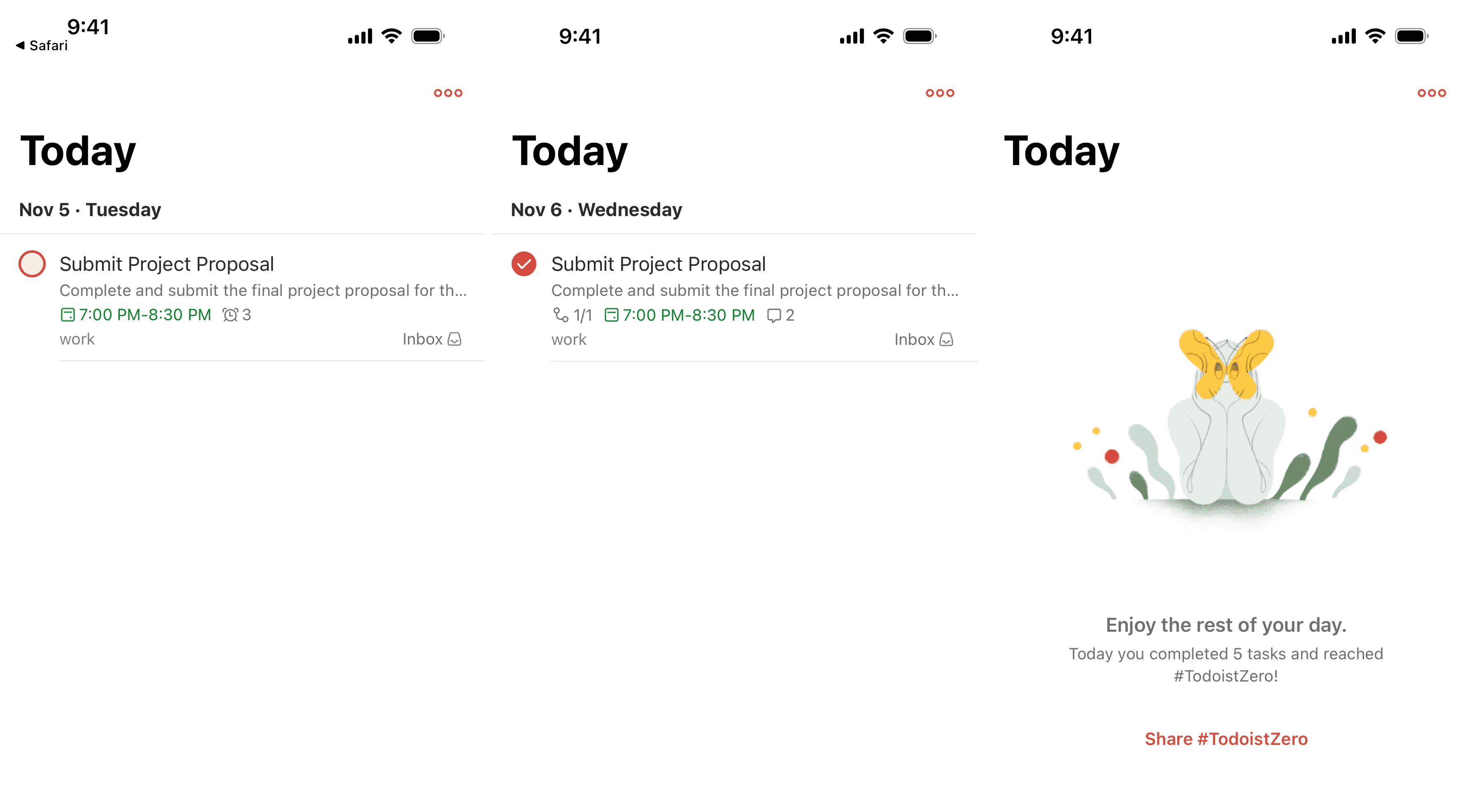
Todoist roda inteiro nisso. Checkboxes abertos parecem coceira. Cruzá-los parece ótimo. Os pontos Karma adicionam um segundo loop em cima do primeiro. O produto inteiro é só tensão cognitiva bem-gerenciada.
Força do Perfil do LinkedIn
O "Profile Strength" meter do LinkedIn é famoso por uma razão. Aquele círculo incompleto na sua sidebar parece errado. Pessoas preenchem anos de educação, skills e experiência só para alcançar "All-Star", trabalho que eles nunca teriam feito se perguntado de uma vez.
Veja como seu site se compara
Nosso IA checa sua página contra os mesmos padrões usados por Todoist e LinkedIn.
Obtenha seu Score UX GrátisPrincípios relacionados
O efeito Zeigarnik funciona ainda melhor empilhado com esses:
Recursos e leitura adicional
Como Usar o Efeito Zeigarnik em UX
Um vídeo deep-dive do NN Group explicando o viés com exemplos práticos.
Por que Você Pode Estar Sobrecarregado
Psychology Today explora o lado escuro de tarefas inacabadas e saúde mental.
Perguntas frequentes
Não Adivinhe Seu UX. Escaneie.
Envie suas telas ou cole seu URL para obter análise UX de nível expert em menos de 3 minutos.
Comece o Scan GratuitoArtigos relacionados
Efeito de Isolamento: Por que seu CTA se perde quando tudo na página tenta se destacar
Se toda seção é negrita, nenhuma é. O Efeito de Isolamento é como você faz uma coisa em sua página impossível de perder.
Viés de Recência: Por que a última coisa em sua landing page é o que visitantes lembram
Visitantes esquecem o meio da sua página. Eles lembram do começo e do final. Aqui está como desenhar o último momento para isto realmente gerar o clique.
Viés de Ancoragem: Por que o primeiro número em sua landing page muda como visitantes julgam todos os outros números
Visitantes não avaliam seu preço em vácuo. Qualquer número que veem primeiro vira o parâmetro. Aqui está como definir âncoras que fazem sua oferta parecer uma pechincha.